Mastering Git in the AI Coding Era: Commands, Workflows, and Recovery
Quick summary: Five read-only checks before you keep an agent commit: status, diff, diff --cached, log -1, and show. Git 2.54.0 on 11 October 2026.
Key Takeaways
- Five read-only checks before you keep an agent commit: status, diff, diff --cached, log -1, and show
- Git 2.54.0 on 11 October 2026
- On 11 October 2026 this page was checked against Git 2.54.0 (Apple Git-157) and the git-push manual
- On 11 October 2026 it printed , , and
- Published copy: /examples/architecture-blog-2026/mastering-developer-tools/mastering-git-commands/recover-commit

Table of Contents
On 11 October 2026 this page was checked against Git 2.54.0 (Apple Git-157) and the git-push manual. git push -h on that build lists --force, --force-with-lease, and --force-if-includes.
A coding agent can type git for you. You still have to see which files changed, whether the commit is the one you wanted, and whether a rewrite would throw away someone else’s work. Five read-only checks come before you keep an agent commit: git status, git diff, git diff --cached, git log -1 --stat, and git show.
What broke — The lab script
recover-commit.shmade two commits, rangit reset --hard HEAD~1, and the price commit disappeared fromgit log.git reset --hard HEAD@{1}put it back. The script then printedcommits_after_recovery=2andhead_subject=raise price. Uncommitted edits were never part of that demo. They are not stored in the reflog.
Reproduce this — From a checkout of this site, run
bash examples/architecture-blog-2026/mastering-developer-tools/mastering-git-commands/recover-commit.sh. On 11 October 2026 it printedgit_version=git version 2.54.0 (Apple Git-157),head_subject=raise price, andlab=ok. The temp repo is deleted on exit. Published copy: /examples/architecture-blog-2026/mastering-developer-tools/mastering-git-commands/recover-commit.sh.
We recommend git switch and git restore for new work, and git checkout only when you are maintaining an older script. checkout still switches branches and restores files. An agent line that says git checkout is easy to misread. The trade-off: many existing scripts and Stack Overflow answers still use checkout, so you need to recognize it when you review a diff.
Why Git still matters when an agent can run it
An agent editing a catalog service might change price.ts, regenerate a lockfile, and commit both. The lockfile might be the bug. git status shows the path list. git diff shows the hunks. git log -S or git bisect finds which commit introduced a failing test. None of that requires you to memorize every plumbing command. It requires you to know which command reads history and which command deletes it.
Installation and version checks
Git is often already installed. Check before you install a second copy.
Context: any OS, Git 2.23 or newer for switch and restore. This page’s local run used 2.54.0.
git --version
git help -a
git --version prints the release. git help -a lists commands. git help git-push opens the manual. git push -h prints the short flag list without a pager.
Install only when git is missing:
- macOS: Xcode Command Line Tools (
xcode-select --install) or a current package from git-scm.com. Apple Git and upstream Git can differ by a patch level. Trustgit --versionon the machine that will run the command. - Linux: the distro package (
giton Debian and Fedora). Read that distro’s package notes. Do not assume GNU flags from other tools apply to Git. - Windows: Git for Windows, then use Git Bash or a terminal where
git --versionworks. Credential Manager is the usual helper there.
Configuration you can inspect
Context: local repo or $HOME. Read-only until a git config write.
git config --list --show-origin
git config --get user.name
git config --get user.email
--show-origin prints which file set each key: system, global, or this repo’s .git/config. Set an identity only when it is missing, and prefer a global config over putting your email in every repo:
git config --global user.name "Your Name"
git config --global user.email "you@example.com"
Local change. That writes ~/.gitconfig.
Credential helpers store tokens outside the repo. Inspect the helper name. Do not print the token.
git config --get credential.helperOn macOS the usual value is osxkeychain. On Windows it is often manager. On Linux it might be libsecret or cache. A helper of store writes credentials to a plain file. Treat that as a risk and switch to a secret store your platform provides. SSH remotes use keys (ssh -T git@github.com is the GitHub check; other hosts differ). HTTPS remotes use the helper. An agent should not be told to cat a credentials file.
Useful aliases are local config, not a new Git command. git config --get-regexp alias lists them.
Repository setup
| Task | Command | Risk |
|---|---|---|
| Create a repo | git init -b main | Local change |
| Copy a remote | git clone URL | Local change |
| Show remotes | git remote -v | Read-only |
| Add a remote | git remote add origin URL | Local change |
| Inspect the repo | git rev-parse --show-toplevel | Read-only |
| Show branch and tracking | git status -sb | Read-only |
git rev-parse --is-inside-work-tree exits 0 inside a work tree and non-zero outside. Use that before an agent script assumes a repo exists.
git clone copies history to a new directory. It does not change the remote. A clone of a private catalog repo still needs credentials. If the clone fails with authentication, fix the helper or SSH key. Do not embed a token in the URL and commit that URL.
Daily changes
The index (staging area) is the snapshot that the next git commit will record. The work tree is what is on disk. Those two can differ.
| Task | Command | Risk |
|---|---|---|
| What changed | git status | Read-only |
| Unstaged diff | git diff | Read-only |
| Staged diff | git diff --cached | Read-only |
| Diff against a branch | git diff main...HEAD | Read-only |
| Stage paths | git add PATH | Local change |
| Stage hunks | git add -p | Local change |
| Commit | git commit | Local change |
| Show a commit | git show | Read-only |
| History | git log --oneline --decorate -20 | Read-only |
| Unstage, keep the file | git restore --staged PATH | Local change |
| Discard work tree edits | git restore PATH | Potentially destructive |
| Remove a tracked file | git rm PATH | Local change |
| Rename | git mv OLD NEW | Local change |
git diff with no arguments shows unstaged work. git diff --cached shows what a commit would record. Agents often stage files you did not mean to include, especially lockfiles and .env copies. If git diff --cached shows a secret, unstage it and rotate the secret. Do not push first.
git add -p walks hunks. y stages a hunk, n skips, s splits, q stops. That is the practical way to separate a price fix from an unrelated format change the agent made in the same file.
git commit with no -m opens the editor. git commit -m "message" is fine when the message is specific. git commit --amend rewrites the latest commit. Amend only when that commit is still local. Amending a commit you already pushed is a history rewrite and needs the same care as a force push.
git restore PATH replaces the work tree file with the index version. Potentially destructive. Run git diff PATH first. There is no reflog entry for a never-committed edit.
git rm stages a deletion. git mv stages a rename. Both are local until you commit and push.
Machine-readable status for scripts:
git status --porcelain=v1An empty porcelain status means a clean work tree. A line starting with ?? is untracked. M in the first column is staged. M in the second column is unstaged. See git-status.
Scenario: an agent commit regressed catalog prices
Assume the agent already committed. Do not reset --hard as the first move.
Context: Git 2.54, inside the repo. Read-only until you decide on revert or a local reset.
git status -sb
git log --oneline -15
git show --stat HEAD
git diff HEAD~1 -- catalog/
git show --stat names the files. git diff HEAD~1 -- catalog/ limits the diff to the catalog tree so a lockfile does not hide the price change.
If the regression is one commit and the branch is shared, add a revert commit. Local change, then Remote mutation when you push.
git revert --no-edit HEAD
git status -sb
git push
git revert does not remove the bad commit from history. It adds a new commit. That is what you want on a branch other people have fetched.
If the bad commit is local and you still want the other file edits, use git restore --source=HEAD~1 -- PATH to take one path from the parent, then commit that correction. That keeps unrelated paths from the agent commit.
If you need the commit that introduced a failing test and the range is longer than one commit:
git bisect start
git bisect bad
git bisect good KNOWN_GOOD_SHA
Git checks out a midpoint. Run the test. git bisect good or git bisect bad. When it prints the first bad commit, git bisect reset returns you to the branch you started on. Local change to HEAD during the search. Do this in a clean work tree. Stash first if you have local edits.
git blame -L 40,80 catalog/price.ts shows which commit last touched those lines. Blame is a hint, not proof of intent. Pair it with git show SHA.
Branches, remotes, and review
| Task | Command | Risk |
|---|---|---|
| List branches | git branch -vv | Read-only |
| Create and switch | git switch -c feature/price-fix | Local change |
| Switch | git switch main | Local change |
| Fetch | git fetch origin | Remote read |
| Pull with rebase | git pull --rebase | Local change |
| Push and set upstream | git push -u origin HEAD | Remote mutation |
| Merge | git merge origin/main | Local change |
| Rebase | git rebase origin/main | Local change, history rewrite |
| Cherry-pick | git cherry-pick SHA | Local change |
| Tag | git tag -a v1.4.0 -m "catalog 1.4.0" | Local change until pushed |
| Stash | git stash push -u -m "wip" | Local change |
| Worktree | git worktree add ../price-fix feature/price-fix | Local change |
git fetch updates remote-tracking refs such as origin/main. It does not change your branch. Read-only for your commits. It does talk to the network.
git pull is fetch plus merge, or fetch plus rebase with --rebase. Know which one your config uses: git config --get pull.rebase. A rebase rewrites the commits you have not pushed. That is acceptable on a personal feature branch. It is a problem if someone else has branched from those commits.
git push -u origin HEAD publishes the current branch and sets upstream. After that, git status -sb shows ahead/behind. git push with no refspec uses that upstream.
Before a pull request, compare the range you will ask someone to review:
git fetch origin
git log --oneline origin/main..HEAD
git diff origin/main...HEAD
Three dots (origin/main...HEAD) diff from the merge base. Two dots diff the tips. For a PR, three dots matches what reviewers usually see. git-diff documents the range syntax.
git stash push -u includes untracked files. -u can sweep up a secret file you never meant to track. Run git status first and pass paths when the tree is messy: git stash push -m "wip" -- catalog/price.ts. git stash show -p reads the stash. git stash pop applies it. git stash drop deletes a stash entry. Potentially destructive if you have not applied it.
git worktree add gives you a second checkout. Useful when an agent should edit a fix branch while you keep the main checkout running tests. git worktree list shows them. git worktree remove PATH deletes the extra checkout after it is clean.
Recovery, and the commands that deserve a pause
Run the read-only pair before any of the destructive commands:
git status -sb
git stash list
git reflog -20| Command | What moves | Shared branch |
|---|---|---|
git restore PATH | Work tree file | N/A. Uncommitted loss is not in the reflog. |
git restore --staged PATH | Index only | Safe for unstaging. |
git revert SHA | Adds a commit | Preferred. |
git reset --soft HEAD~1 | Branch tip only. Index and files stay. | Local only. |
git reset HEAD~1 (--mixed, the default) | Branch tip and index. Files stay. | Local only. |
git reset --hard HEAD~1 | Branch tip, index, and files. | Local only, and it drops uncommitted work. |
git clean -fd | Deletes untracked files and directories. | Potentially destructive. |
git push --force | Remote branch tip, no lease check. | Avoid. |
git push --force-with-lease | Remote tip if it still matches your remote-tracking ref. | Still a rewrite. |
git reset --hard and git clean are the ones that remove work with no commit to recover. git clean -n is the dry run. It prints what would be deleted and deletes nothing. Run -n before -fd. -x also removes ignored files. Do not combine -x with a broad path until you have read the preview.
git push --force-with-lease refuses the push when origin/your-branch is not the tip you last fetched. Fetch first so the lease is current. Someone else can still have based work on the commits you are about to hide. Lease is a concurrency check, not a review. --force-if-includes (present in git push -h on Git 2.54.0) also requires that the remote tip is already in your reflog. Use both when you rebase a personal branch and you want Git to notice that you never fetched the latest remote tip into this repo. Do not use either form on main as a habit.
Finding a commit you reset:
git reflog
git reset --hard HEAD@{1}
HEAD@{1} is “where HEAD was one move ago” in the reflog, which is not the same as HEAD~1 (the first parent). The lab script uses that distinction: HEAD~1 rewinds one commit, HEAD@{1} returns to the tip that existed before the rewind. Confirm the subject with git log -1 --format=%s before you reset to a reflog entry you do not recognize.
Merge conflicts: git status lists unmerged paths. Conflict markers are seven left angle brackets, a line of equals signs, and seven right angle brackets. After you edit, git add PATH marks the conflict resolved. git merge --continue or git rebase --continue proceeds. git merge --abort and git rebase --abort return to the pre-merge or pre-rebase state when Git still has that state. Abort is the right move when the conflict is larger than the fix you wanted.
Advanced commands worth knowing
| Task | Command | Risk |
|---|---|---|
| Search history | git log -S 'priceCents' -- catalog/ | Read-only |
| Search the tree | git grep -n priceCents | Read-only |
| Export a patch | git format-patch -1 HEAD | Local change (writes a file) |
| Apply a patch | git apply --check patch.diff | Read-only check |
| Apply and commit | git am patch.mbox | Local change |
| Archive a tree | git archive --format=zip HEAD -o catalog.zip | Local change |
| Submodule status | git submodule status | Read-only |
| Update submodules | git submodule update --init --recursive | Local change |
git apply --check reports whether a patch applies and does not change files. Run it before git apply or git am.
Submodules are separate repos. git status in the parent can look clean while the submodule has commits you did not push. git submodule status shows the checked-out SHA. An agent that bumps a submodule pointer without pushing the submodule leaves CI unable to fetch that SHA.
A workflow for one change
git status -sbandgit diffso you know the starting mess.git switch -c feature/catalog-priceso the work is not onmain.- Edit, or let the agent edit, then
git diffandgit add -p. git commitwith a message that names the behavior change.git fetch originandgit rebase origin/mainif the branch is still private.git push -u origin HEAD.- Open the pull request from
git log --oneline origin/main..HEADandgit diff origin/main...HEAD.
If step 5 rewrites commits that already exist on the remote, the next push needs --force-with-lease, and only on that feature branch.
Troubleshooting
| Symptom | Next evidence | Do not start with |
|---|---|---|
detached HEAD | git status, then git switch main or git switch -c rescue | git reset --hard |
| Push rejected, non-fast-forward | git fetch, git log HEAD..origin/branch | git push --force |
| Merge conflict | git status, open the unmerged file | Delete the file |
| “You have unstaged changes” during rebase | git status, git stash push the paths you must keep | git reset --hard |
| Lost commit after reset | git reflog | git clean |
| Secret in the last commit, not pushed | git restore --staged, remove the file, git commit --amend | Push, then try to hide it |
| Secret already pushed | Rotate the secret. History rewrite is a separate incident. | Assume amend deleted the remote copy |
Exit status: Git returns 0 on success and non-zero on failure. A conflict during merge also returns non-zero. Do not treat a non-zero rebase as “done” because the agent said it finished.
Security and review habits
- Read
git diff --cachedbefore every commit an agent prepared. - Keep secrets out of commits. A
.gitignoreentry does not help after the file was tracked.git rm --cached PATHuntracks it and leaves the work tree file. Then rotate the secret if it was ever pushed. - Prefer SSH keys or a credential helper over tokens in remote URLs.
- Do not run
git clean -fdxon a repo that holds local data exports or certificates in ignored paths. Preview with-n. - Sign commits only if the team already verifies signatures (
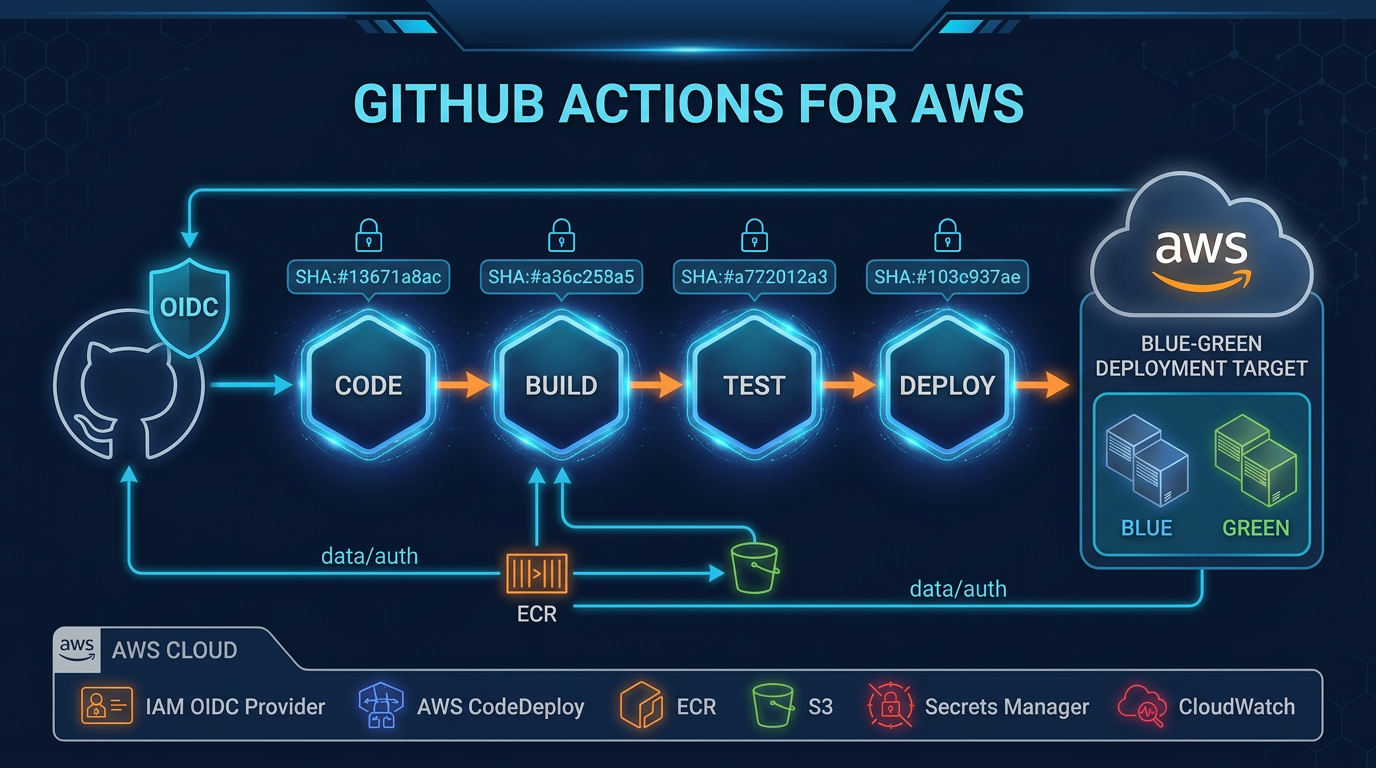
git log --show-signature). Turning on signing in one clone and not in CI creates noise, not assurance. - For GitHub Actions that deploy from this repo, pin actions and use short-lived cloud credentials. That topic is GitHub Actions for AWS.
Working with a coding agent
- Say the outcome: “On branch
feature/catalog-price, change the price formatter and leave the lockfile alone.” - Ask for a read first:
git status -sbandgit diff. - Ask for the proposed Git command and what it will change.
- Reject
reset --hard,clean, andpush --forceunless you have already run the pre-flight reads and the branch is private. - After the agent commits, run
git show --statand the tests yourself. - If the tests fail,
git bisectorgit revertbased on whether the commit was pushed.
Agent approval dialogs are product-specific. They are not a substitute for git diff. The AI agent tools article compares those CLIs. This article is the Git half of that review.
Five labs
- Reflog recovery. Run the script in the reproduce callout. Expected:
head_subject=raise priceandlab=ok. Verify by reading the script: it resets toHEAD~1, then toHEAD@{1}. - Partial stage. In a temp repo, put two changes in one file.
git add -p, stage one hunk,git diff --cached, commit, thengit diffto see the leftover hunk. Expected: one hunk in the commit, one still unstaged. - Conflict. Branch, change the same line on both branches, merge. Resolve the markers,
git add,git commit. Expected:git statusis clean and the file contains one of the two prices, chosen by you. - Bisect. Make five commits, break a test in the fourth.
git bisectfrom good to bad. Expected: Git names the fourth commit.git bisect resetwhen you are done. - Stash scope. Dirty work tree plus one untracked file.
git stash pushwithout-u, thengit status. Expected: the untracked file is still there. Thengit stash push -uonly if that file is not a secret.
Progression: status and diff until they are automatic, then branches and pull, then revert on shared branches, then reflog and lease-checked force push on private branches only.
What this post does not cover
Git internals (cat-file, pack heuristics), git filter-repo for purging history, and server-side rules on GitHub or GitLab. Large-history rewrites belong in an incident plan, not a first command. Submodule internals beyond status and update are also out of scope.
What to do this week
- Run
git --versionandgit config --list --show-originon the machine you use for agent work. - Add the five-check habit before you accept an agent commit.
- Run
recover-commit.shonce so reflog syntax is familiar before you need it. - Agree with your team that
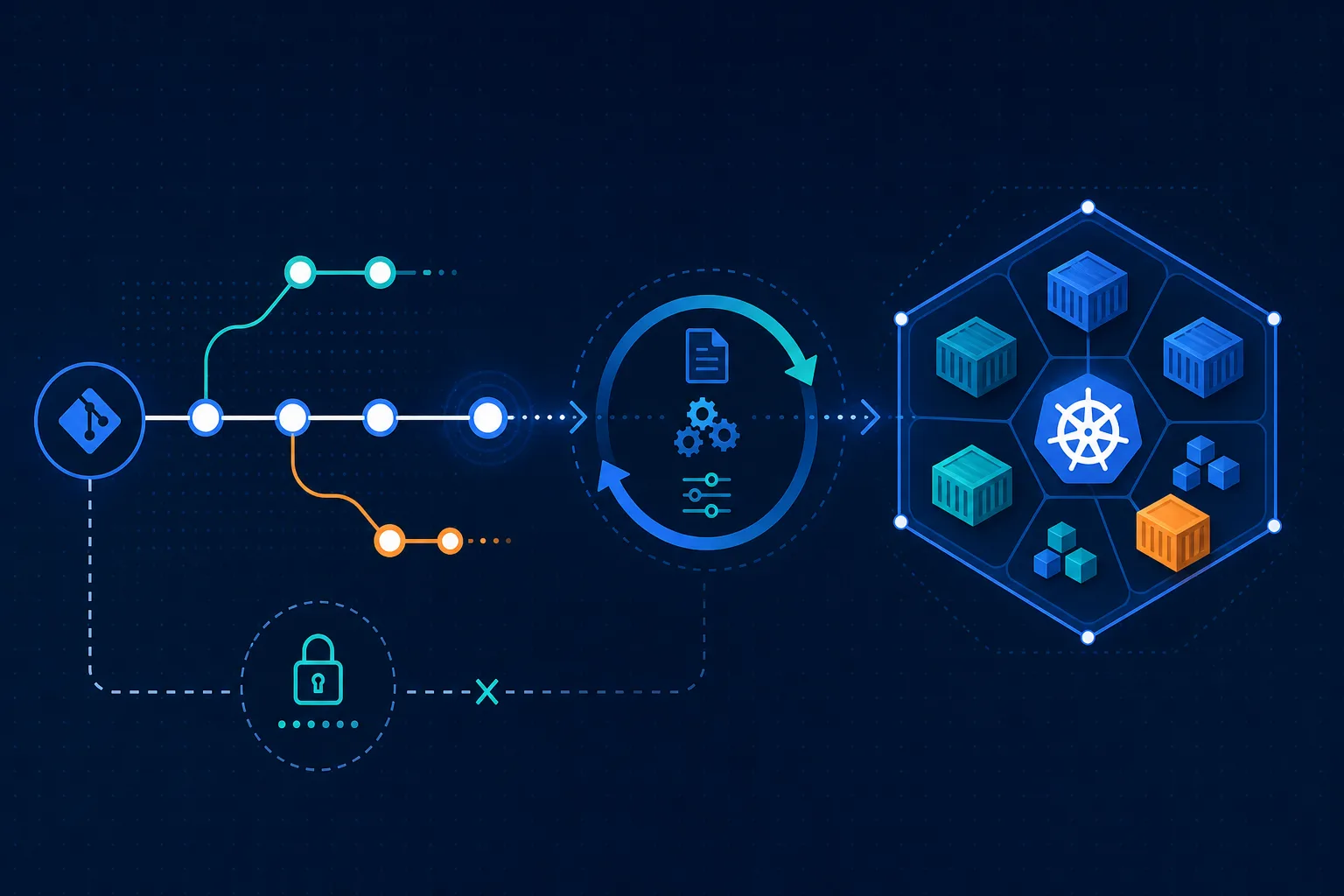
mainis not force-pushed. - When a pipeline deploys that repo, read the GitHub Actions and EKS GitOps notes if those are the delivery path.
Quick reference
| I need to | Command | Risk |
|---|---|---|
| See the change | git status and git diff | Read-only |
| See the staged change | git diff --cached | Read-only |
| Undo one pushed commit | git revert SHA | Local change, then push |
| Move a private branch tip | git reset modes above | Potentially destructive with --hard |
| Update a private remote branch | git push --force-with-lease | Remote mutation |
| Find a lost commit | git reflog | Read-only |
| Preview untracked deletion | git clean -n | Read-only |
Skills you should be able to use after this: explain staged vs unstaged, choose revert vs reset, recover a commit from the reflog, and refuse a force push that has no lease check.
Further reading
- Git documentation
- gittutorial
- giteveryday
- git-push for
--force-with-leaseand--force-if-includes - Next in this series: Linux, AWS CLI, Docker, Kubernetes, Bedrock CLIs, AI agent tools
If you want a second person on the pipeline that runs these commands in CI, contact us or see DevOps pipeline setup.
Frequently asked questions
When should you not use git reset --hard?
Is git push --force-with-lease safe to use on main?
What is the difference between git restore, git revert, and git reset?
How do I review a coding agent's Git changes?
Does this page list every Git command?

AWS Cloud Architect & AI Expert
AWS-certified cloud architect and AI expert with deep expertise in cloud migrations, cost optimization, and generative AI on AWS.