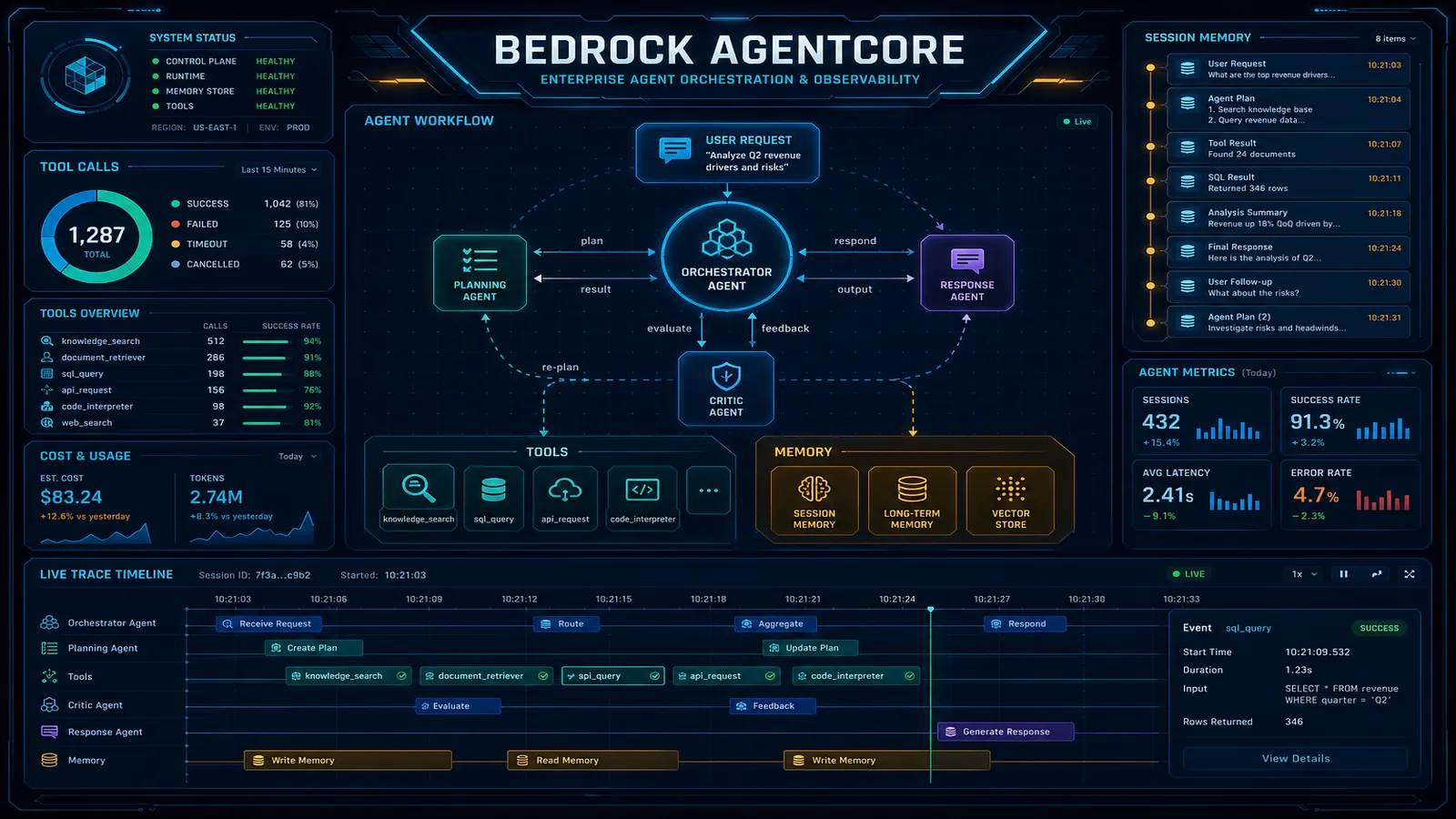
Mastering Amazon Bedrock CLIs: AWS CLI, Model Operations, and AgentCore
Quick summary: Two CLIs, not one binary named bedrock-cli. AWS CLI 2.37.12 and agentcore 0.30.0, checked 11 October 2026.
Key Takeaways
- Two CLIs, not one binary named bedrock-cli
- AWS CLI 2.37.12 and agentcore 0.30.0, checked 11 October 2026
- On 11 October 2026 this page was checked against AWS CLI and AgentCore CLI ( )
- on this build lists eight Bedrock-related namespaces
- Two published figures from this site, not new measurements: a support-style AgentCore sketch at about $791 per month for 50K sessions is in the AgentCore vs Quick decision guide

Table of Contents
On 11 October 2026 this page was checked against AWS CLI 2.37.12 and AgentCore CLI 0.30.0 (agentcore --version). There is no single official executable named bedrock-cli in that pair. aws help on this build lists eight Bedrock-related namespaces. agentcore --help lists a separate project CLI. Commands that would call a model, create a runtime, or read production logs were not run.
Two published figures from this site, not new measurements: a support-style AgentCore sketch at about $791 per month for 50K sessions is in the AgentCore vs Quick decision guide. Gateway server-side tool round-trip from about 180 ms to about 95 ms on a B2B CRM assistant is in the Gateway post. Use them as cost and latency context. They are not a promise for your catalog agent.
What broke — AWS CLI help for
bedrock-agentandbedrock-agent-runtimeon 2.37.12 says Amazon Bedrock Agents, now Agents Classic, is no longer open to new customers and tells you to look at AgentCore. A tutorial that starts withaws bedrock-agent create-agentis the wrong default for a new support bot. The June 2026 lifecycle note dates maintenance for new customers at 30 July 2026. Existing Agents Classic workloads can keep running. New work starts on AgentCore. Architecture is in AgentCore production, not repeated here.
Reproduce this — Run
bash examples/architecture-blog-2026/mastering-developer-tools/mastering-bedrock-cli/check-clis.sh. On 11 October 2026 it printedaws-cli/2.37.12andagentcore=0.30.0, thenlab=ok. It does not call Bedrock. Published copy: /examples/architecture-blog-2026/mastering-developer-tools/mastering-bedrock-cli/check-clis.sh.
We recommend the agentcore CLI for project create, local dev, deploy, invoke, logs, traces, and evals, and the AWS CLI when you need an API operation the project CLI does not wrap. The trade-off: agentcore deploy hides CloudFormation or CDK details that aws bedrock-agentcore-control shows. When a deploy fails, you still need the AWS CLI identity check and the control-plane get-* call.
The interfaces, and which plane they talk to
| Interface | Binary | Plane | Use |
|---|---|---|---|
aws bedrock | AWS CLI | Control | Models, guardrails, evaluation jobs, provisioned throughput |
aws bedrock-runtime | AWS CLI | Data | converse, invoke-model, count-tokens, guardrail checks |
aws bedrock-agent | AWS CLI | Control | Agents Classic configuration. Not the default for new agents. |
aws bedrock-agent-runtime | AWS CLI | Data | Agents Classic retrieval and sessions. Same lifecycle note. |
aws bedrock-agentcore-control | AWS CLI | Control | Runtimes, harnesses, gateways, evaluators |
aws bedrock-agentcore | AWS CLI | Data | invoke-agent-runtime, memory, batch evaluation |
agentcore | AgentCore CLI 0.30.0 | Project tool | Create, dev, deploy, logs, traces, evals |
aws bedrock-data-automation and aws bedrock-data-automation-runtime also appear in aws help on this build. They are a different product surface. This article does not teach them.
Identity and region are the AWS CLI checks. Run them before any command in the tables below.
aws sts get-caller-identity --no-cli-pager
aws configure get region
A wrong region is a wrong model list. Model access is regional.
Discovery on each CLI
AWS CLI, read-only, no network beyond whatever help does locally:
aws bedrock help
aws bedrock-runtime help
aws bedrock-agentcore-control help
aws bedrock-agentcore help
AgentCore CLI, observed on 0.30.0:
agentcore --help
agentcore create --help
agentcore dev --help
agentcore logs --help
agentcore traces --help
agentcore validate --help
agentcore --help on 0.30.0 includes create, dev, deploy, invoke, logs, status, traces, validate, evals, run, package, and export, among others. If your version differs, trust agentcore --help over this page.
Models, tokens, and guardrails
These AWS CLI operations were listed by help on 2.37.12. They were not executed.
| Task | Command | Risk |
|---|---|---|
| List models | aws bedrock list-foundation-models | Read-only |
| One model | aws bedrock get-foundation-model | Read-only |
| Inference profiles | aws bedrock list-inference-profiles | Read-only |
| One profile | aws bedrock get-inference-profile | Read-only |
| List guardrails | aws bedrock list-guardrails | Read-only |
| Converse | aws bedrock-runtime converse | Potential cost impact |
| Invoke | aws bedrock-runtime invoke-model | Potential cost impact |
| Count tokens | aws bedrock-runtime count-tokens | Potential cost impact if the API bills the call. Check the pricing page for that model. |
| Apply a guardrail | aws bedrock-runtime apply-guardrail | Potential cost impact |
converse requires --model-id. The help text says that id can be a foundation model or an inference profile. Read aws bedrock-runtime converse help for the body shape. Do not reuse a JSON body from another provider. Parameter names are model-specific.
create-provisioned-model-throughput and create-foundation-model-agreement are remote mutation. Provisioned throughput is potential cost impact that continues until you delete it. delete-provisioned-model-throughput is the rollback, and it is also a change. List and get first.
Guardrail writes (create-guardrail, update-guardrail) change policy for every caller that uses that guardrail id. Remote mutation. Get the current guardrail and save the JSON before you update it.
Knowledge bases and Agents Classic
aws bedrock-agent help can list and get knowledge bases, data sources, and ingestion jobs (list-knowledge-bases, get-knowledge-base, list-data-sources, get-ingestion-job). Those are control-plane reads when you only list or get. Starting an ingestion job is a mutation and can incur embedding cost.
aws bedrock-agent-runtime help on this CLI lists retrieve and retrieve-and-generate. Retrieval is a data-plane call. It can return customer content. Treat the output as sensitive.
The same help text says Agents Classic is no longer open to new customers. create-agent still appears for accounts that are allowed to call it. Do not use it as the template for a new e-commerce support agent. If you operate an existing Classic agent, get-agent and list-agents are the inspection commands. Invocation shapes change. Read aws bedrock-agent-runtime help on your CLI instead of an old invoke-agent snippet. On 2.37.12 that exact command name was not in the available-commands list.
AgentCore control plane and data plane
Control plane (aws bedrock-agentcore-control), from help, not run:
| Task | Command | Risk |
|---|---|---|
| Get a runtime | get-agent-runtime | Read-only |
List is the matching list-agent-runtimes | see help | Read-only |
| Create a runtime | create-agent-runtime | Remote mutation, potential cost impact |
| Get a harness | get-harness | Read-only |
| Create a harness | create-harness | Remote mutation, potential cost impact |
| Get a gateway | get-gateway | Read-only |
create-agent-runtime help marks --agent-runtime-name, --agent-runtime-artifact, and --role-arn as required. The artifact structure is in that help page. Filling it in creates infrastructure. Do it in a sandbox account after sts get-caller-identity.
Data plane (aws bedrock-agentcore):
| Task | Command | Risk |
|---|---|---|
| Invoke | invoke-agent-runtime | Potential cost impact. The agent may also call tools that change orders. |
| Evaluate | evaluate, start-batch-evaluation | Potential cost impact |
| Memory | retrieve-memory-records, list-memory-records | Read-only, may contain customer text |
| Delete memory | delete-memory-record | Potentially destructive |
invoke-agent-runtime is how you hit a deployed runtime without the agentcore wrapper. The wrapper is easier for a project. The AWS CLI is what you use when you are debugging permissions and the project CLI hides the error.
The agentcore binary
Observed subcommands and flags on 0.30.0. Not a deploy.
agentcore create can run non-interactively with --defaults, --language (Python or TypeScript), --framework (the help list includes Strands, LangChain_LangGraph, GoogleADK, OpenAIAgents, VercelAI), and --model-provider (Bedrock, Anthropic, OpenAI, Gemini). --api-key puts a key on the command line. Prefer a provider that uses the AWS identity you already checked, and do not put production keys in shell history.
agentcore dev starts a local server. Default port in help is 8080. --skip-deploy skips automatic resource deployment. --no-traces disables local OTEL trace collection. --no-browser stays in the terminal. A dev command that deploys without --skip-deploy is remote mutation and potential cost impact. Read agentcore dev --help and watch the first lines of output for account and region.
agentcore deploy help text says it deploys project infrastructure to AWS via CDK. Remote mutation and potential cost impact. Run agentcore deploy --help before you add flags this page does not list.
agentcore invoke sends a prompt to a deployed endpoint. --session-id continues a session. --prompt-file keeps a long prompt out of the process list. The prompt can contain customer data. The reply can too.
agentcore status shows deployed resource status. Read-only relative to the agent, though it calls AWS.
agentcore logs can stream or search. --since 1h, --level error, and --json were in the 0.30.0 help. Logs are production data.
agentcore traces list and agentcore traces get TRACE_ID download traces. Traces show tool calls. A tool call that refunded an order is an audit record. Store it. Do not post it raw.
agentcore validate checks agentcore/ config. --json is for scripts. Run it before deploy.
agentcore evals and agentcore run deal with evaluations. They can spend model tokens. Potential cost impact.
agentcore export exports a harness to a Strands runtime agent. Read the help. It writes files. Local change.
Scenario: a support agent retrieves bad product data or calls the wrong tool
aws sts get-caller-identityand the region. Confirm the sandbox or the production account out loud.agentcore statusand, if you need the API record,aws bedrock-agentcore-control get-agent-runtimeorget-harnesswith the id from status. Help lists the id flags. Do not guess them.agentcore logs --since 1h --level error --jsonandagentcore traces list. Find the turn where retrieval returned the wrong SKU or the tool name was not on the allow list.- If the failure is
AccessDenied, the missing action is in the error. Fix the role. Do not attach administrator to the runtime role. - If retrieval is empty, inspect the knowledge base or gateway target with a get command. A sync or ingestion job that failed is a control-plane fact, not a prompt problem.
agentcore validate, then a sandbox invoke with a fixed question whose answer you already know.- Re-run the eval set (
agentcore evalsor a batch evaluation you already created) before you call production healthy.
Refunds, order edits, and payments stay behind a human approval step. The human-in-the-loop post is the product rule. A CLI invoke that passes is not that approval.
IAM, cost, and output limits
Least privilege means the runtime role can call the model and the tools you named, and cannot s3:DeleteBucket or change orders unless a reviewed tool does so. Test with iam simulate-principal-policy from the AWS CLI article when you are unsure.
Token and latency limits are model-specific. count-tokens is the CLI check when the operation accepts your payload. A 400 from converse that says the input is too long is the enforcement. Truncating customer text silently is a product bug. Log the refusal.
Timeouts and retries belong in the application. The CLI is a single call. A shell loop that retries invoke-model without a cap is a bill.
Region: list models in the region you will deploy. A model id from another region fails or routes differently when you use an inference profile. Read get-inference-profile before you hard-code an id an agent suggested.
Working with a coding agent
Ask the coding agent to run sts get-caller-identity, agentcore --version, and agentcore validate. Ask it to show the control-plane get, not to create a runtime, until you have named the account. Refuse --api-key on the command line and refuse delete-memory-record or delete-agent-runtime without a read of what will be removed. After deploy, you run agentcore status and one eval question yourself.
Coding-agent CLIs are the next article. They are not this runtime.
Five labs
- Run
check-clis.sh. Record both versions. Ifagentcore=absent, install from the project docs, not from a random script, and re-run. aws bedrock helpand write down one control-plane read and one data-plane command fromaws bedrock-runtime help.- In a sandbox,
aws bedrock list-foundation-models --no-cli-pagerand confirm the region. Read-only. Stop if the account is production. agentcore create --helpand read--defaultsand--model-provider. Create a project only in an empty directory you can delete. Do not pass a production API key.agentcore validatein that project. Expected: a pass or a specific config error. Fix the config. Do notdeployuntil lab 3’s account is the one you intend.
Progression: name the binary, list models in the right region, validate a project, invoke in a sandbox, then trace one tool call.
What this post does not cover
Full AgentCore architecture, pricing math beyond the two cited posts, and Data Automation. Model choice and harness design stay in the production guide linked above. This page will drift when agentcore --help changes. The version pin is 0.30.0.
What to do this week
- Run the version script and save the output next to your runbook.
- Search the repo for
bedrock-agent create-agentand mark those paths as Classic. - Put
sts get-caller-identityin front of any deploy script the coding agent generated. - Pick one support question with a known SKU and decide how you will eval it before the next deploy.
Quick reference
| I need to | Command | Risk |
|---|---|---|
| See CLI versions | aws --version and agentcore --version | Read-only |
| List models | aws bedrock list-foundation-models | Read-only |
| Call a model | aws bedrock-runtime converse | Potential cost impact |
| Inspect a runtime | get-agent-runtime or agentcore status | Read-only |
| Create a runtime | create-agent-runtime or agentcore deploy | Potential cost impact |
| Read a failure | agentcore logs and agentcore traces | Read-only, sensitive |
You should be able to name which binary you are using, refuse Agents Classic for a new agent, and separate a control-plane get from an invoke that spends money.
Further reading
- AWS CLI bedrock
- bedrock-runtime
- bedrock-agent
- bedrock-agentcore
- bedrock-agentcore-control
- AgentCore developer guide
- agentcore-cli
- Series: Git, Linux, AWS CLI, Docker, Kubernetes, AI agent tools
Contact us or start at AI agents if the next step is a scoped support or catalog agent, not another CLI flag. The field guide is eCommerce AI agents. We are an AWS Select Tier Services Partner. That is not an Agentic AI Competency.
Frequently asked questions
Is there an official bedrock-cli binary?
When should a new project avoid Agents Classic?
Does every AgentCore feature have a CLI command?
What is the expensive mistake with invoke-model?
Can the CLI print a secret from a tool call?

AWS Cloud Architect & AI Expert
AWS-certified cloud architect and AI expert with deep expertise in cloud migrations, cost optimization, and generative AI on AWS.