Mastering AI Agent Tools: Commands, Permissions, Testing, and Production Operations
Quick summary: Three coding CLIs, three permission models. Cursor agent 2026.01.28, Claude Code 2.1.296, and Codex from OpenAI's docs. Checked 11 October 2026.
Key Takeaways
- Cursor agent 2026.01.28, Claude Code 2.1
- 296, and Codex from OpenAI's docs
- Checked 11 October 2026
- On 11 October 2026 the lab script printed , , , and
- Cursor's current docs and changelog (through v2026.10.08 on the docs site that day) describe a newer CLI than the binary on this laptop
Table of Contents
On 11 October 2026 the lab script printed cursor_agent=2026.01.28-fd13201, claude=2.1.296 (Claude Code), codex=absent, and agentcore=0.30.0. Cursor’s current docs and changelog (through v2026.10.08 on the docs site that day) describe a newer CLI than the binary on this laptop. Flags below for Cursor are from the CLI overview and parameters fetched that day, and they may be missing from 2026.01.28. Run agent help on the binary you have. Claude Code flags were checked against local claude --help and the CLI reference for 2.1.x. Codex was not installed. Codex commands are from the OpenAI CLI reference only, and they were not run.
A coding agent can edit the repo and propose a database migration. You still have to read the diff, run the tests, and check the database with a command that does not trust the agent’s last sentence.
What broke — The local
agent --versionwas2026.01.28-fd13201while the public changelog already listed v2026.10.08 features such as persistent sessions. A flag copied from today’s docs can fail on yesterday’s binary. The detection isagent --versionbefore the flag. The recovery isagent updatewhen you intend to move, or staying on the flagsagent helpactually prints.
Reproduce this — Run
bash examples/architecture-blog-2026/mastering-developer-tools/mastering-ai-agent-tools/check-coding-clis.sh. Expected: one line per tool,absentwhen it is missing, andlab=ok. The script does not start a session and does not pass a prompt. Published copy: /examples/architecture-blog-2026/mastering-developer-tools/mastering-ai-agent-tools/check-coding-clis.sh.
We recommend plan or ask modes, and an allow-list of read commands, until the diff is reviewed. The trade-off: you approve more prompts, and you avoid a migration that ran because the agent was in a bypass mode on a machine with production credentials.
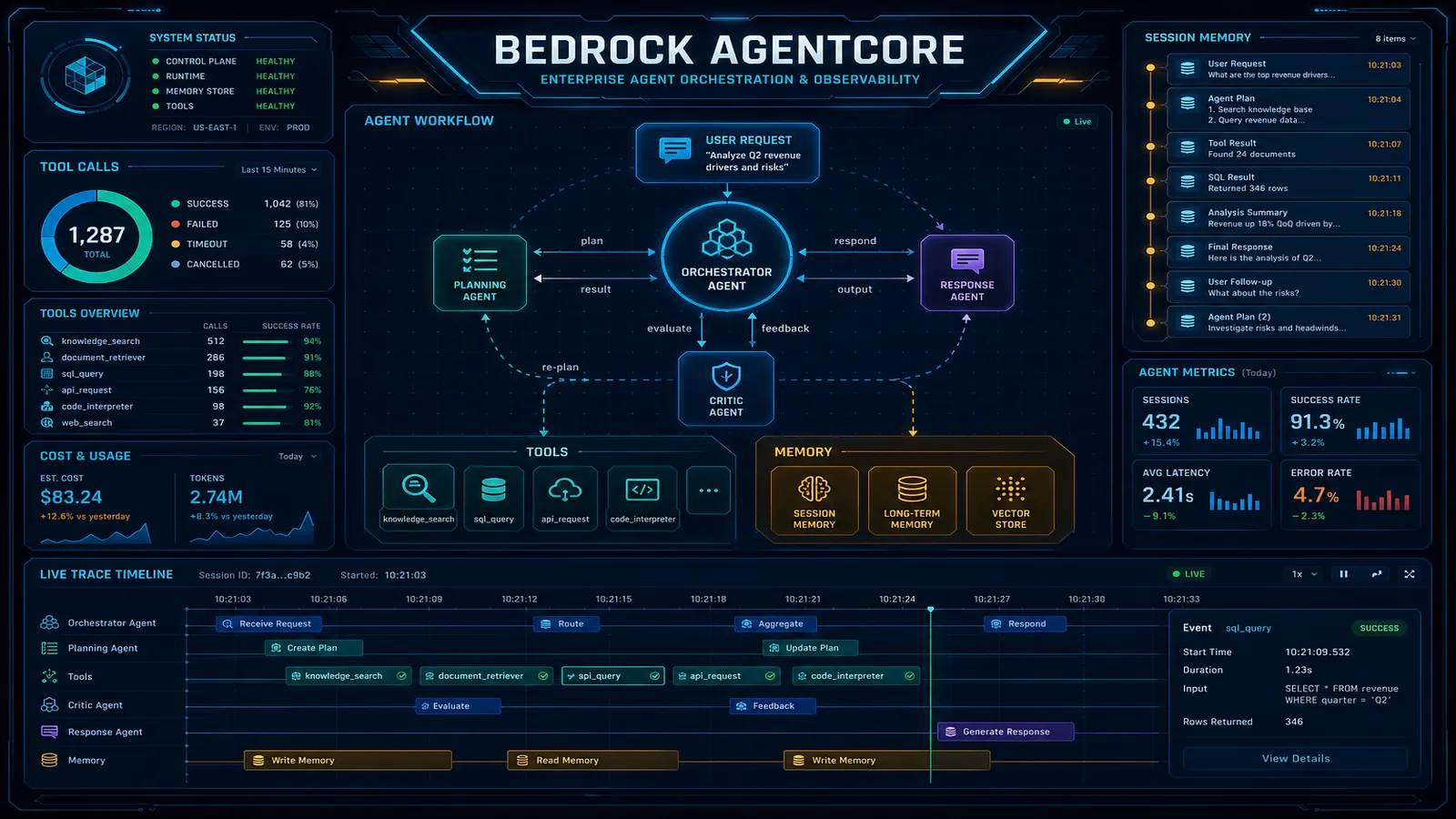
Published cost context, not a new benchmark: about $791 per month for a 50K-session AgentCore sketch is in the decision guide. That number is a runtime bill. It is not the price of Cursor, Claude Code, or Codex.
Two kinds of agent
A coding agent (Cursor CLI, Claude Code, Codex) runs next to a repo. Its tools are files, shell, and whatever MCP servers you configured. A production agent (AgentCore and similar runtimes) runs in your cloud and calls business tools: catalog read, order lookup, refund. The Bedrock CLI article is the runtime half. This article is the developer-tool half, and the hand-off between them.
An approval dialog in a coding CLI is not IAM, not a Kubernetes RBAC check, and not a database grant. Those still apply to whatever command the agent runs.
Cursor CLI
Binary name on this machine: agent on PATH. Version observed: 2026.01.28-fd13201.
Docs fetched 11 October 2026 describe:
| Task | Command in current docs | Risk |
|---|---|---|
| Version | agent --version | Read-only. Run this first. |
| Help | agent help | Read-only |
| Interactive session | agent | Can edit files and run shell. Local change unless the mode is ask. |
| Print mode | agent -p "PROMPT" or --print | Local change if tools are enabled. Output goes to stdout. |
| Ask mode | --mode=ask or /ask | Documented as read-oriented. Confirm on your binary. |
| Plan mode | --mode=plan or /plan | Planning. Still read the diff if it writes. |
| Resume | agent resume or --resume | Continues a session. Can keep old tool grants. |
| Models | agent models | Read-only list for the account. |
| MCP | agent mcp | Can change which tools exist. Local change. |
| Status | agent status | Read-only auth status. |
Current docs also describe --output-format json for print mode, --sandbox enabled or disabled, and worktrees via --worktree. Those strings are from the docs site, not from a successful run of this laptop’s 2026.01.28 binary. If agent help does not list them, do not pass them.
/run-everything and any “run everything” alias are the opposite of a review habit. Leave them off on a repo that can reach cloud credentials.
Shell commands the agent runs are still shell commands. Review them with the Linux and Git articles. git reset --hard does not become safe because a model typed it.
Claude Code
Observed: claude --version printed 2.1.296 (Claude Code).
| Task | Command | Risk |
|---|---|---|
| Start | claude | Interactive. Tools depend on permission mode. |
| One shot | claude -p "PROMPT" | Print mode. Can still use tools. |
| Continue | claude -c or --continue | Reuses the last session in this directory. |
| Resume | claude --resume SESSION | Named session. Check claude --help for the exact form on 2.1.296. |
| Auth | claude auth status | Read-only. Exit 0 when logged in, per the CLI reference. |
| Doctor | claude doctor | Documented as read-only diagnostics. |
| MCP | claude mcp | Configures servers. Local change. |
| Permission mode | --permission-mode plan | Starts in plan. Other documented modes include acceptEdits, auto, dontAsk, bypassPermissions. |
| Allow a tool pattern | --allowedTools | Skips prompts for matching tools. Local change to the safety policy of that run. |
| JSON result | --output-format json with -p | Structured output. Still verify with Git and tests. |
| Spend cap | --max-budget-usd with -p | Stops when the client’s estimate hits the cap. The docs say the estimate can differ from the bill. |
--dangerously-skip-permissions is equivalent to --permission-mode bypassPermissions in the CLI reference. Potentially destructive on a developer machine. The reference’s own guidance treats it as a sandbox feature, not a laptop default. Security notes: Claude Code security.
claude doctor is the check when a session misbehaves. It is not a test suite for your application.
Do not copy --permission-mode onto agent or codex. The names are Claude Code’s.
OpenAI Codex CLI
codex was absent on this machine. Nothing in this section was executed. The reference at developers.openai.com/codex/cli/reference documents an interactive codex command, codex exec for non-interactive runs, codex resume, codex mcp, --model, and --ask-for-approval with values untrusted, on-request, and never. --sandbox is a separate flag. The same page documents --dangerously-bypass-approvals-and-sandbox (alias --yolo). Refuse that alias unless you are inside a sandbox you already trust.
never on --ask-for-approval is a product policy. It is not a code review. Install Codex only from OpenAI’s install instructions, then run codex --help and keep the version in the same note as the lab script output.
Slash commands such as /permissions and /review are inside an interactive session. They are not flags you pass to Claude Code.
Sessions, MCP, and structured output
Each product has its own session resume. Cursor docs say agent resume. Claude Code uses --continue and --resume. Codex docs say codex resume. Mixing the flags is how a script targets the wrong tool.
MCP servers add tools. A server that can run SQL or call a production URL is a remote mutation path even if the coding agent “only edits files.” agent mcp, claude mcp, and codex mcp are the inspection commands in each product’s docs. List the tools before you approve a server you did not write.
Structured output (--output-format json on Claude Code print mode, and the Cursor print-mode JSON format in current docs) is for the agent’s reply. It does not prove the migration applied. Parse it if you want a summary. Run Git and the tests for the truth.
What to verify after any coding agent
The same list, whatever product typed the diff:
- Outcome in one sentence, written by you, before the session. “Add a nullable column. Do not backfill production.”
- Ask for a read of the repo and the migration tool’s status command.
- Ask for the command it wants to run and the database it will touch.
- Reject production connection strings,
migrateagainst prod, and skip-permission flags. git status -sb,git diff,git diff --cached. The Git article is the review.- Run the test command yourself. Read the exit code.
- In a non-production database, run the migration tool’s status or a read-only query you wrote. An empty diff in Git plus a failed test means the agent stopped early. A green test plus a migration file you have not read means you are not done.
- Keep the log: the diff, the test output, and the migration version. That is the evidence for the next failure.
Prompt injection is in scope here. A README, a log line, or a web page the agent fetched can contain instructions. Treat tool output as data. Do not let a file tell the agent to curl | bash or to print env. The Linux article covers that pipe.
Production agents are a different permission system
Deploying the code the coding agent wrote is agentcore deploy or your pipeline, after review. The runtime role, guardrails, and tool allow-list are in Bedrock CLIs and AgentCore production. A refund tool needs a person. That rule is human in the loop.
Traces and evals are how you see a production agent miss a SKU. They are not a substitute for the Git diff on the code that defined the tool.
Scenario: the agent edited the app, added a migration, and said it was finished
- Do not deploy.
git status -sbandgit diff. Find the migration file and the application change. If the diff includes an unrelated lockfile or a secret, stop and unstage it.- Read the migration for locks, data backfill, and
NOT NULLon a column that existing rows cannot fill. - Run unit tests. If they pass, run the migration against a disposable database the agent does not share with production. Use the database’s own status command.
- Hit the code path with one fixture order. A test that mocks the database does not prove the migration.
- If any step fails,
git revertor a fix-up commit. Do notgit reset --hardif you have other uncommitted work. The Git article has the decision table. - Only then open a pull request. The agent does not get to push to the protected branch because print mode returned 0.
Five labs
- Run
check-coding-clis.sh. Write down the four lines.absentis a real result. - In a temp Git repo, start the coding CLI you actually have, in plan or ask mode if that binary supports it. Ask it to explain
git status. Expected: no file changes. Confirm withgit status. - Ask for a one-line README change. Before you accept, run
git diff. Expected: you can point at the line. - Add a second uncommitted file the agent should not touch. Ask for a change to the README only. Expected:
git diffshows whether it obeyed. If it edited both, that is the lesson. - Read one skip-permission flag in the docs for a tool you use, and write down where it would be unsafe on your laptop (cloud keys, kubeconfig, production
.env). Do not turn the flag on.
Progression: version check, read-only session, diff review, then a sandbox test run, and only then a pull request.
What this post does not cover
Prompt-writing style, model leaderboards, and every MCP server on the internet. IDE buttons that are not the CLI are out of scope except where the CLI docs mention them. AgentCore project commands stay in the previous article so the flags are not copied across.
What to do this week
- Run the version script and put the output in the team notes next to the Git five-check list.
- Turn off bypass modes on machines that hold cloud credentials.
- Pick one repo and require
git diffin the review comment before an agent commit is accepted. - If the agent is allowed to run tests, make the test command a script in the repo so the human and the agent run the same line.
Quick reference
| I need to | Where | Risk |
|---|---|---|
| See what is installed | the lab script | Read-only |
| Avoid edits | Cursor ask mode, Claude --permission-mode plan | Product-specific |
| Resume work | each CLI’s own resume flag | Can reuse broad approvals |
| Prove the edit | git diff and tests | Read-only until you commit |
| Bypass prompts | skip-permission flags | Potentially destructive |
| Run a business agent | AgentCore, not these CLIs | Potential cost impact |
You should be able to name which binary you invoked, refuse a foreign flag, and verify a migration without trusting the completion message.
Further reading
- Cursor CLI
- Cursor CLI parameters
- Claude Code CLI
- Claude Code security
- Codex CLI reference
- Series: Git, Linux, AWS CLI, Docker, Kubernetes, Bedrock CLIs
Contact us or see AI agents when the work is a production support or catalog agent. The library of workflows is eCommerce AI agents. Specialization in agentic AI is not an AWS Agentic AI Competency.
Frequently asked questions
When should you not use a skip-permissions flag?
Can I pass Claude Code flags to Cursor's agent binary?
The agent says the migration is done. What do you run?
Is a coding agent the same as a support agent on AgentCore?
Does this page document every coding-agent product?

AWS Cloud Architect & AI Expert
AWS-certified cloud architect and AI expert with deep expertise in cloud migrations, cost optimization, and generative AI on AWS.